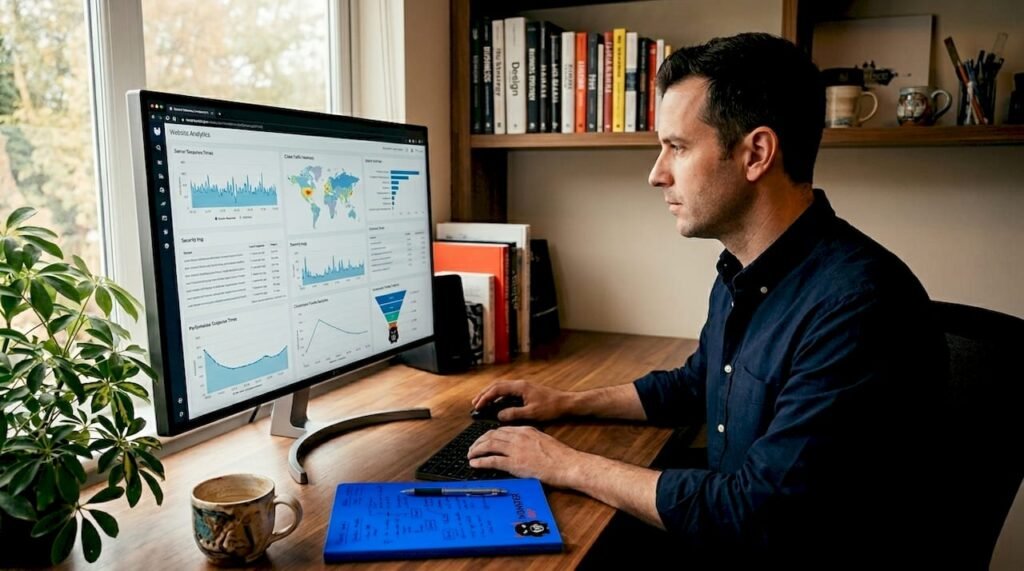
You cannot improve what you cannot see. If you want stronger rankings, the first step is knowing exactly which websites link to you — and which ones link to your competitors instead.
That is the job of a backlink checker: you enter a domain, and it returns that site’s link profile with all the key metrics. The good news for beginners and tight budgets is that a capable backlink checker free of charge exists in several forms, from Google’s own Search Console to limited free tiers of premium SEO suites.
This guide compares the best no-cost options side by side, walks you through your first check step by step, and teaches you how to read the report like a professional — so the data actually turns into better rankings.
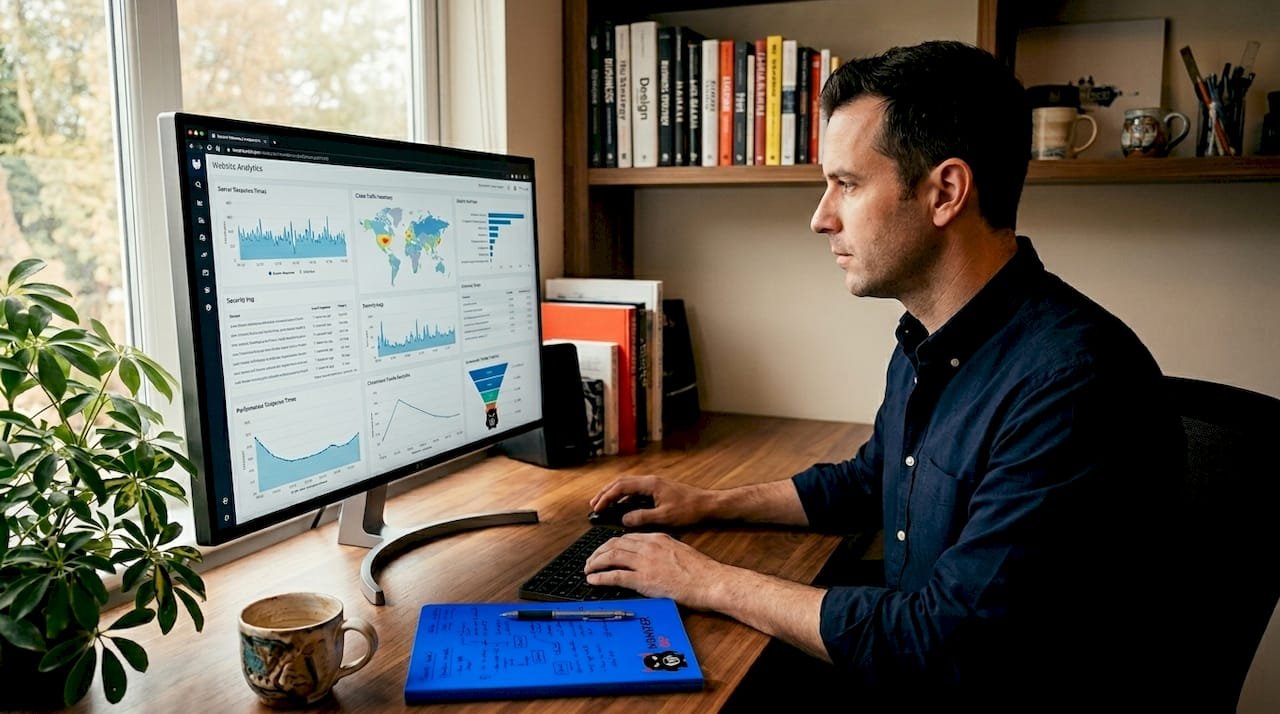
What Is a Backlink Checker?
A backlink checker is a tool that crawls the web’s link graph and shows you every link it can find pointing to a given website or page. Type in any domain — yours or a competitor’s — and within seconds you get a structured report instead of guesswork.
A typical report includes the total number of backlinks, the number of unique referring domains, the authority scores of the linking sites, the anchor text used in each link, whether each link is dofollow or nofollow, and which of your pages attract the most links. Better tools also track new and lost links over time, so you can see your profile evolving.
Why does this matter? Because your link profile largely determines how much search engines trust your site. Without a checker, you are building links blind — you cannot tell which efforts paid off, which links disappeared, or where competitors are beating you.
Why Check Your Backlinks Regularly?
Running a check once is useful; running checks on a schedule is a strategy. Site owners who monitor their profiles catch problems early and spot opportunities competitors miss.
First, you verify that your link-building work actually stuck. Links get removed during site redesigns, pages get deleted, and domains expire. A link you earned six months ago may quietly be gone, and only a fresh check reveals it.
Second, you discover which content naturally attracts links. When one guide earns ten times the links of everything else you have published, that tells you exactly what to create more of.
Third, you keep your profile clean. Sudden influxes of spammy links — from scrapers, negative SEO, or an old provider’s shortcuts — show up in a report long before they show up in your rankings. Early detection means early cleanup.
Finally, competitor checks reveal their playbook. If three rivals all have links from the same industry resource pages, those pages belong on your outreach list too.
The 8 Best Backlink Checker Free Tools Compared
No single free tool shows you everything, because each one crawls a different slice of the web. The smart move is knowing what each option does well. Here are the eight worth your time, starting with the strongest free offerings.
Table 1: Every backlink checker free option compared — free-plan limits, link index size, and best use case.
| Tool | Free Plan | Link Index | Best For |
|---|---|---|---|
| Ahrefs Backlink Checker | Free, top 100 backlinks | Very large | Quick competitor snapshots |
| Semrush Free Backlink Checker | Limited free checks | Very large | Authority Score and audit data |
| Moz Link Explorer | 10 free queries/month | Large | Domain Authority and Spam Score |
| Google Search Console | 100% free, unlimited | Google’s own data | Your own verified sites |
| Majestic | Limited free reports | Large | Trust Flow / Citation Flow metrics |
| OpenLinkProfiler | 100% free | Moderate | Fast no-signup checks |
| Ubersuggest | Limited free searches/day | Moderate | Beginners on a budget |
| SE Ranking | 14-day free trial | Large | Full-suite trial run |
1. Ahrefs Free Backlink Checker
Ahrefs runs one of the largest link indexes in the industry, and its free checker exposes the top 100 backlinks for any domain with no account required. You see referring domains, Domain Rating, anchor text, and dofollow/nofollow status. It is the fastest way to size up a competitor’s profile, though the 100-link cap means large sites need the paid version for the full picture.
2. Semrush Free Backlink Checker
Powered by Semrush’s Backlink Analytics database, the free checker shows a domain’s top backlinks plus Authority Score, total backlink and referring-domain counts, and dofollow percentage. Creating a free account unlocks a few deeper reports per day. Ideal when you want Semrush’s proprietary metrics without the subscription.
3. Moz Link Explorer
Moz gives you a handful of free queries per month, each returning Domain Authority, Page Authority, Spam Score, and discovered/lost link counts. Its metrics are an industry standard for quick quality judgments, making it excellent for vetting individual link prospects before outreach.
4. Google Search Console
The only fully free and unlimited option — but it shows data only for sites you own and have verified. The Links report lists top linking sites, top linked pages, and top anchor text, straight from Google. Every site owner should check this monthly; it is the ground truth for your own profile.
5. Majestic
Majestic’s free tier offers limited site summaries built around its signature Trust Flow and Citation Flow metrics, which measure link quality and quantity separately. Link builders who care about trust-based evaluation keep Majestic in their rotation.
6. OpenLinkProfiler
Completely free with no signup, OpenLinkProfiler returns a downloadable list of recent backlinks with link context categories. Its index is smaller and less fresh than the big players, but for a fast sanity check on a small site, nothing beats zero friction.
7. Ubersuggest
Neil Patel’s tool allows a limited number of free searches per day, each showing backlinks, referring domains, and Domain Score in a beginner-friendly dashboard. A solid pick if you find Ahrefs and Semrush interfaces intimidating.
8. SE Ranking
SE Ranking offers a 14-day free trial of its full backlink checker, including monitoring, gap analysis against competitors, and disavow support. It is a trial rather than a forever-free tier, but two weeks is enough to run a complete audit of a small site.
Related: backlinks

How to Run a Backlink Check: Step by Step
You need no SEO experience for this. The whole process takes under ten minutes:
- Pick the right tool for the job. Use Google Search Console for your own verified site. Use Ahrefs’ free checker for a competitor or any site you do not own.
- Enter the domain exactly. Type the root domain (example.com) to analyze the whole site, or paste a full URL to check a single page. Skip the “https://” prefix if the tool adds it automatically.
- Run the report and wait. Free checkers return results in seconds. Note the headline numbers first: total backlinks, referring domains, and the authority score.
- Scan the top linking pages. Sort by authority and look at who links to the site. For your own site, confirm your best links are still live. For a competitor, note the strongest domains — those are outreach targets.
- Check the anchor text mix. Natural profiles lean heavily on branded anchors and raw URLs. A wall of exact-match commercial anchors is a red flag.
- Export or screenshot the data. Free tiers often limit history, so save each report with the date. A simple spreadsheet tracking referring domains month over month beats any memory.
- Repeat monthly and compare. Trends matter more than snapshots. Steady referring-domain growth is healthy; sudden drops mean lost links to reclaim, and sudden spikes mean spam to investigate.
How to Read Your Backlink Report
A report is only as useful as your interpretation. When you open one, focus on these elements:
Related: contextual backlinks
Free vs Paid Backlink Checkers: An Honest Comparison
Free tools answer “what links exist.” Paid tools answer “what should I do about them.” A subscription buys you the full backlink list instead of the top 100, historical data going back years, automated lost-link alerts, side-by-side competitor gap analysis, and toxicity scoring with disavow-file export.
For a new site or a one-off audit, free is genuinely enough — Google Search Console plus Ahrefs’ free checker covers most needs. The upgrade pays for itself once you are doing regular outreach, managing multiple sites, or cleaning up a large historical profile, because the time saved on manual tracking quickly exceeds the subscription cost.
The pragmatic middle path: run your routine monitoring on free tools, and buy one month of a premium tool when you need a deep audit or a big outreach campaign. Export everything during that month, then cancel until the next push.
Limitations of Free Backlink Checkers (and How to Work Around Them)
Free tiers come with honest constraints, and knowing them prevents bad decisions.
Smaller visible indexes. Free versions typically show the top 100 links. Workaround: check important pages individually rather than relying on the domain-level sample.
No historical data. Most free checkers show the present, not the past. Workaround: export monthly and build your own history in a spreadsheet.
No automated alerts. Nobody emails you when a valuable link disappears. Workaround: calendar a monthly 15-minute check — it is the highest-ROI habit in link management.
Competitor blind spots. Some free tiers restrict competitor analysis. Workaround: rotate between tools. Ahrefs’ free checker allows competitor domains, and OpenLinkProfiler has no signup friction.
Metric disagreements. The same domain can show 400 backlinks in one tool and 650 in another, because each crawler discovers different pages at different times. Workaround: never trust a single source for important decisions; confirm with two.
Used with these workarounds, a free stack gets you roughly 80% of the insight of a paid subscription — more than enough to guide smart link building.

Related: backlink service
Frequently Asked Questions
Is there a truly unlimited backlink checker free forever?
Yes — Google Search Console. It is completely free with no caps, but it only shows data for websites you own and have verified. For checking any other site, from competitors to prospects, the only genuinely unlimited backlink checker free of restrictions does not exist; the best no-cost options are limited free tiers like Ahrefs’ top-100 checker and Moz’s monthly queries.
Why do different checkers show different backlink counts?
Each tool maintains its own crawl of the web, discovering different pages at different times. A domain might show 400 backlinks in one checker and 650 in another, and both can be “correct” for their index. Compare trends within a single tool over time rather than absolute numbers across tools.
Can a free backlink checker find toxic or spammy links?
Partially. Free tiers from Semrush and Moz include basic toxicity or Spam Score indicators, and any checker lets you manually spot red flags like foreign-language link farms or hacked-looking URLs. Full toxic-link scoring with one-click disavow export, however, is a paid feature — free users should review suspicious links by hand before acting.
How often should I check my backlinks?
Monthly is the sweet spot for most sites: frequent enough to catch lost links and spam spikes early, infrequent enough to stay a quick habit. Check weekly during active link-building campaigns or immediately after any sudden ranking drop, when fresh link data helps diagnose the cause.
Conclusion
A backlink checker free of charge is all you need to start managing your link profile like a professional. Pick one tool for your own site and one for competitors, run your first reports today, save the data, and make the monthly check a habit. The sites that win at SEO are rarely the ones with the most expensive tools — they are the ones that actually look at the data and act on it.